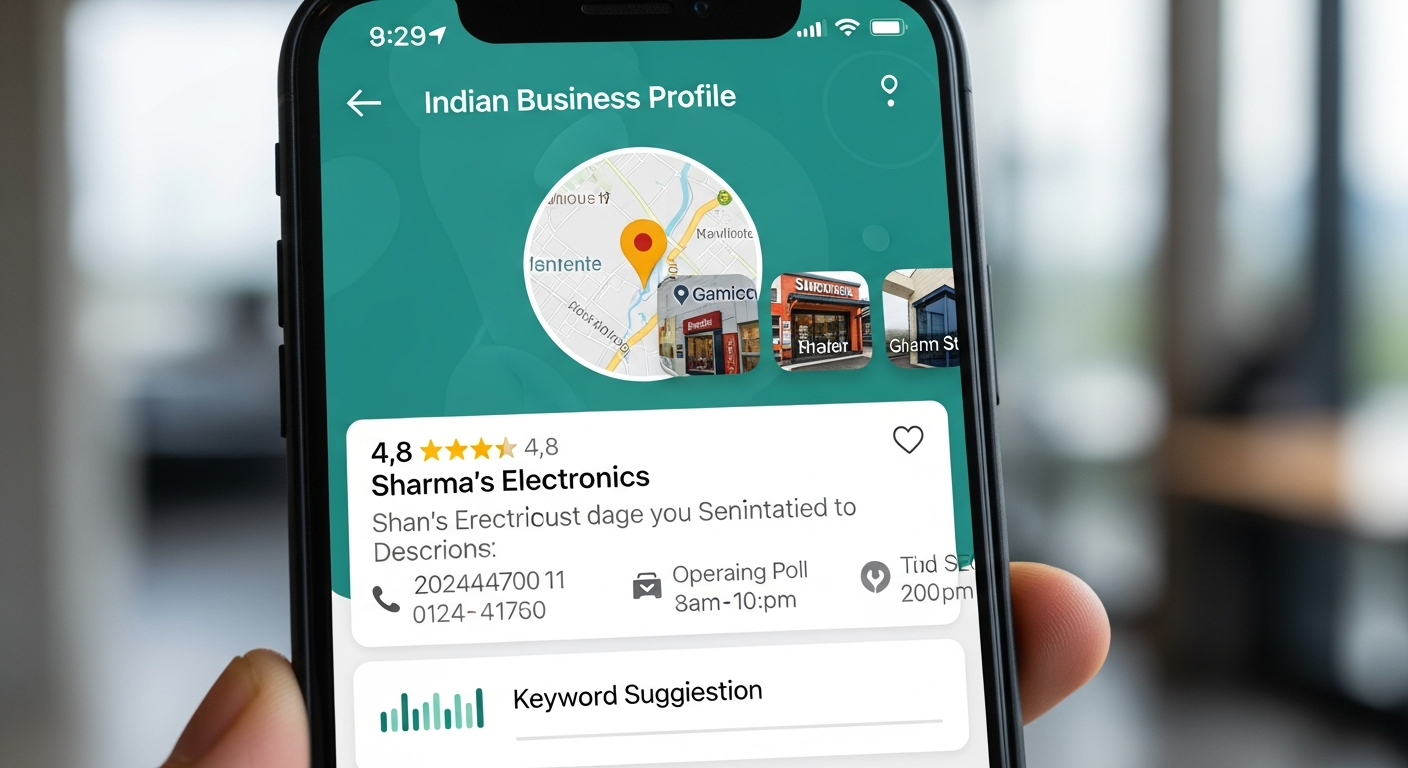
What is Google Business Profile and Why Does it Matter?
Google Business Profile (formerly Google My Business) is the free listing that appears in Google Maps and the Google Local Pack (the 3 business results shown above organic search results). When someone in your city searches for your type of business — "website developer near me", "clinic in Hanumangarh", "coaching centre Ganganagar" — your Google Business Profile is what determines whether you appear in those top 3 results.
For local businesses in India, Google Business Profile is the single most impactful free digital marketing tool available. A well-optimised profile can deliver 5–10 new customer enquiries per month with zero advertising spend. Yet most Indian businesses either have no profile or have a poorly set-up one that does not rank.
Step-by-Step Google Business Profile Setup
Step 1: Create/Claim Your Profile — Go to business.google.com and search for your business. If it already appears (Google sometimes auto-creates listings), claim it. If not, create a new one. Step 2: Choose the Right Category — This is critical. Your primary category determines which searches trigger your listing. Choose the most specific category available. A general practitioner clinic should choose "General Practitioner" not just "Doctor". A web developer should choose "Web Designer" or "Internet Marketing Service". Step 3: Complete Every Section — Business name, address (exactly matching your website and other directories), phone number, website URL, hours, and services. Incomplete profiles rank lower.
Optimising Your Profile for Maximum Ranking
Photos: Upload at least 10 high-quality photos — exterior, interior, team, products/services. Profiles with photos get 42% more requests for directions and 35% more website clicks. Reviews: Ask every satisfied customer to leave a Google review. Respond to every review — positive and negative. Profiles with 20+ reviews rank significantly higher than those with fewer. Q&A Section: Pre-populate the Q&A with common questions and detailed answers. This directly feeds into Google AI Overviews and voice search answers. Posts: Publish weekly updates, offers, or events. Active profiles rank higher.
Connecting GBP to Your Website
Your Google Business Profile and website must work together. The NAP (Name, Address, Phone) on your profile must exactly match what is on your website. Your website must embed a Google Map of your location. Local schema markup on your website reinforces your GBP signals. See our SEO services and website development pages for how we integrate GBP optimisation into every project. Need help setting up or optimising your profile? Get a free consultation today.